
Clip Studio Paint
Art & DesignPowerful art studio for comic and manga creators.
Rating
3.3
Installs
10,000,000+
Price
Free
Screenshots
Clip Studio Paint: A Must-Have for Digital Creators
Getting the Hang of Clip Studio Paint
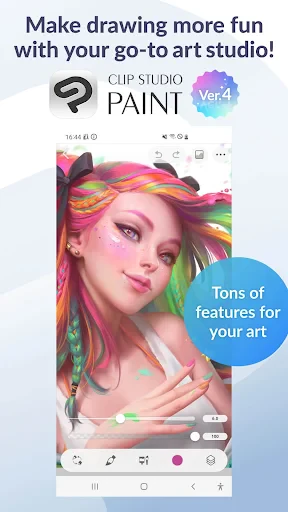
First things first, let's chat about the layout. If you're just stepping into the world of digital art, Clip Studio Paint might look a little complicated at the start, but you'll find it's actually pretty easy to use. The app lets you arrange your workspace however you want, so you can place all your favorite tools and panels in the perfect spots. It works just as well on an iPad as it does on a computer, which is awesome for artists who like to create anywhere.
A Whole World of Tools to Explore
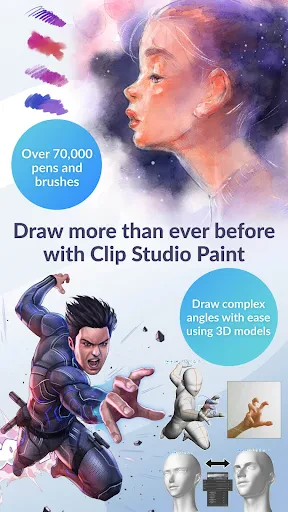
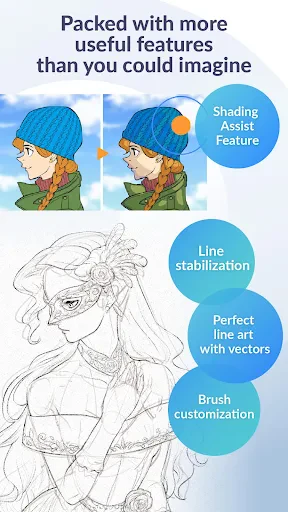
One of the coolest things about Clip Studio Paint is its huge collection of brushes. You can find everything from pencils to watercolors, plus special brushes for adding texture—the choices are almost unlimited. You can even design and share your own custom brushes, which is perfect for artists who want to add a personal touch to their projects. And the vector tools are fantastic for getting super clean lines and making art you can resize without losing quality.
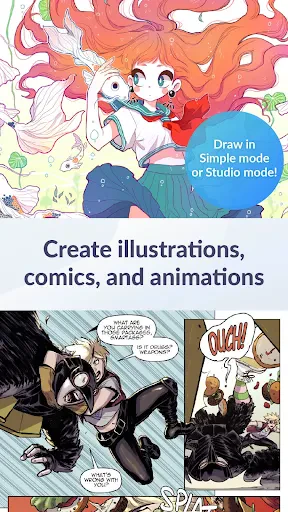
If you're into making comics, the app comes with ready-to-use tools like panel layouts, speech bubbles, and screen tones, which really speeds things up. The animation features are also really powerful now, letting you create frame-by-frame animations in a way that feels natural. You don't have to be a pro to try it out—it's a blast to experiment with and watch your drawings start to move.
Connect and Share with Other Artists
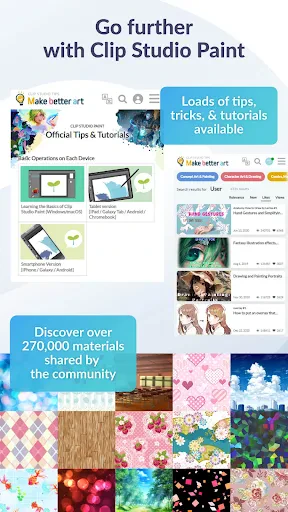
Clip Studio Paint has a really active and supportive online community. The Clip Studio Assets site is packed with awesome stuff made by other users, like brushes, 3D models, and pre-made backgrounds. It's a great place to discover new tools and get inspired by what other creators are doing. On top of that, the app lets you post your artwork straight to social media, so it's simple to show off your latest creations to everyone.
Wrapping It Up
So, to sum it all up, Clip Studio Paint isn't just another art app—it's a complete toolkit that's totally worth the investment. No matter if you've been drawing for years or are just getting started, it has all the features you need to turn your creative ideas into reality. It might take a little time to learn all the ins and outs if you're a beginner, but with tons of tutorials and a helpful community, you'll be making amazing art before you know it. If you're serious about improving your digital art skills, you should definitely check out Clip Studio Paint. Have fun creating
Pros
- • Versatile drawing tools for all styles.
- • Cross-platform support for seamless use.
- • Regular updates with new features.
- • Vibrant community and resource sharing.
- • Highly customizable user interface.
Cons
- • Complex interface for beginners.
- • Requires a subscription for full features.
- • Performance issues on low-end devices.
- • Limited free trial period.
- • Occasional crashes reported by users.
FAQ
What platforms is Clip Studio Paint available on?
Clip Studio Paint is a versatile art application that is available on multiple platforms, including Windows, macOS, iOS, Android, and Chromebook. This cross-platform availability ensures that artists can work seamlessly across different devices. Users should check the system requirements for each platform to ensure compatibility before downloading.
Is Clip Studio Paint a one-time purchase or subscription-based?
Clip Studio Paint offers both one-time purchase and subscription-based plans. The one-time purchase is available for desktop versions, while subscription plans are available for both desktop and mobile versions. This flexibility allows users to choose a payment plan that best suits their needs and budget. Be sure to review the pricing details on their official website.
Does Clip Studio Paint support pressure-sensitive stylus?
Yes, Clip Studio Paint supports pressure-sensitive stylus input, making it ideal for digital artists who require precision and control in their work. The software is compatible with a variety of styluses, including those from Wacom and Apple Pencil, providing a natural drawing experience. Users should ensure their device and stylus are compatible.
What features does Clip Studio Paint offer for comic and manga artists?
Clip Studio Paint is renowned for its robust features tailored for comic and manga artists. It includes tools like frame borders, speech bubbles, and a library of materials and 3D models that simplify the creation process. Additionally, the app offers specialized brushes and effects to enhance the artistic workflow, making it a favorite among comic creators.
Can I use Clip Studio Paint offline?
Yes, Clip Studio Paint can be used offline, which is beneficial for artists who may not always have internet access. However, an internet connection is required for certain features such as cloud storage and updates. It's advisable to periodically connect to the internet to ensure the software is up-to-date and to access additional resources.