
VR Player Pro - Video Player
EntertainmentPremium VR Video Player For Immersive Mobile Viewing.
Rating
3.6
Installs
10,000+
Price
$1.49
Screenshots
VR Player Pro - Video Player: A Deep Dive
Alright folks, let's dive into the world of VR Player Pro - Video Player, an app that's been making waves in the virtual reality scene. If you're someone who loves immersing yourself in a different world, this app might just be your new best friend. It's available on both Android and iOS, so no one gets left out of the fun!
First things first, let's talk about getting the app up and running. The installation process is as smooth as butter. You just head over to your phone's app store, hit download, and you're ready to roll. There's no need for any complicated setup, which is a huge plus for those of us who aren't super tech-savvy.
Once you open the app, you'll see a clean and simple layout. It's built to get you straight into your videos without any hassle. The folks who made it clearly wanted the experience to be as easy as possible. Everything is laid out logically, so you can find all the settings and options right where you'd expect them.
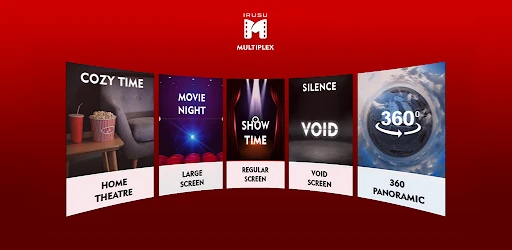
Now, let's chat about what this app can really do. VR Player Pro works with a huge variety of video types, so you can play almost any file without a second thought. Whether it's a regular 2D movie, a 3D film, or a full 360-degree experience, this player handles it all. The video runs smoothly and looks great, pulling you right into the action.
Another cool thing is how well it works with different VR goggles. It doesn’t matter if you have a simple Google Cardboard or a fancier headset; VR Player Pro fits right in. This means everyone can get the most out of the app, no matter what gear they own.
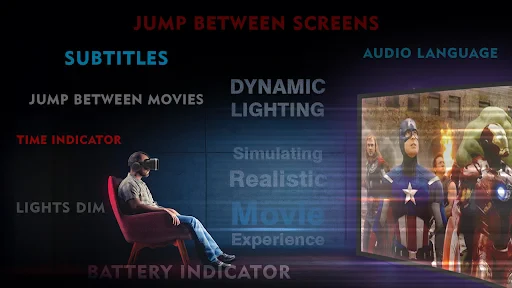
You also get a bunch of settings you can change to make things just right for you. You can play with the brightness, contrast, and even how fast the video plays. These little tweaks are perfect for when you want to customize your viewing session.
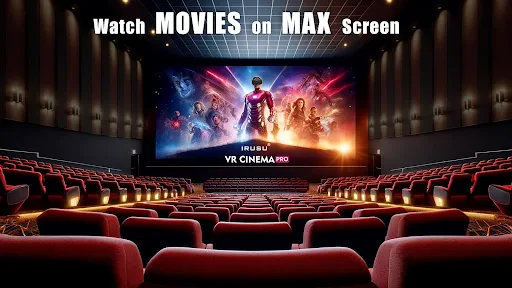
Let me tell you a bit about my own time using VR Player Pro. I tried it with some 360-degree videos, and wow, it honestly felt like I was transported somewhere else. The app played everything perfectly, without any stuttering or delays. It's like having a personal movie theater you can carry around!
What really impressed me was how simple it was to move around the app. The controls feel natural, and switching between different video modes is super easy. I also loved the small features, like being able to save your favorite videos and continue watching from where you stopped.
Wrapping things up, VR Player Pro - Video Player is a top-notch app for anyone wanting to boost their VR fun. It's easy to use, loaded with great features, and works with tons of devices. Whether you're a VR pro or just starting to explore, this app is absolutely worth a look.
So, if you're ready to make watching videos a lot more exciting, give VR Player Pro a shot. You can download it on both Android and iOS, so why wait? Jump in and discover a brand new way to be entertained
Pros
- • Supports various VR formats.
- • Easy-to-use interface.
- • Customizable playback options.
- • High-quality video playback.
- • Compatible with multiple VR headsets.
Cons
- • Not free
- • requires purchase.
- • Limited free features.
- • Occasional bugs reported.
- • May drain battery quickly.
FAQ
What video formats are supported by VR Player Pro?
VR Player Pro supports a wide range of video formats, including MP4, AVI, and MKV, among others. This ensures that users can play almost any video file without the need for additional conversion tools. The app's versatility in handling various formats makes it a top choice for those looking to enjoy VR content seamlessly.
Can I use VR Player Pro without a VR headset?
Yes, while VR Player Pro is optimized for use with VR headsets, it also supports 2D mode for users who don't have access to VR hardware. This flexibility allows users to enjoy immersive videos on their regular smartphones or tablets, making it accessible to a broader audience.
Does VR Player Pro support streaming from online sources?
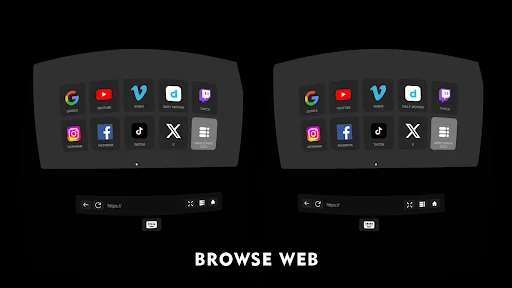
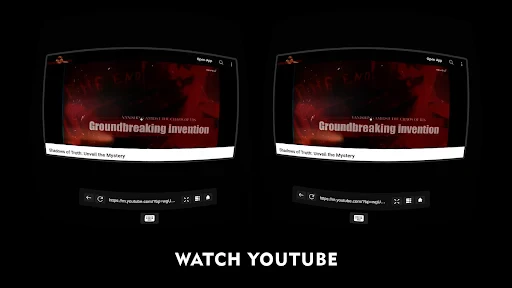
VR Player Pro provides support for streaming content from a variety of online sources. Users can stream videos directly from the web, allowing them to enjoy a vast array of content without needing to download files. This feature is especially useful for those looking to keep their device storage free from large video files.
Is there a free version of VR Player Pro available?
VR Player Pro is a premium application, which means it requires a purchase to access its full features. However, there might be a free trial version available for users to test the app's capabilities before committing to a purchase. It's advisable to check the app store for any available trial offers.
How customizable is the viewing experience in VR Player Pro?
VR Player Pro offers extensive customization options to enhance the viewing experience. Users can adjust settings such as aspect ratio, playback speed, and 3D effects to suit their preferences. This level of customization ensures that users can tailor their viewing experience to fit their specific needs, whether watching 2D or VR content.