
Krita
Art & DesignDigital Painting For Artists And Illustrators.
Rating
3.7
Installs
1M+
Price
free
Screenshots
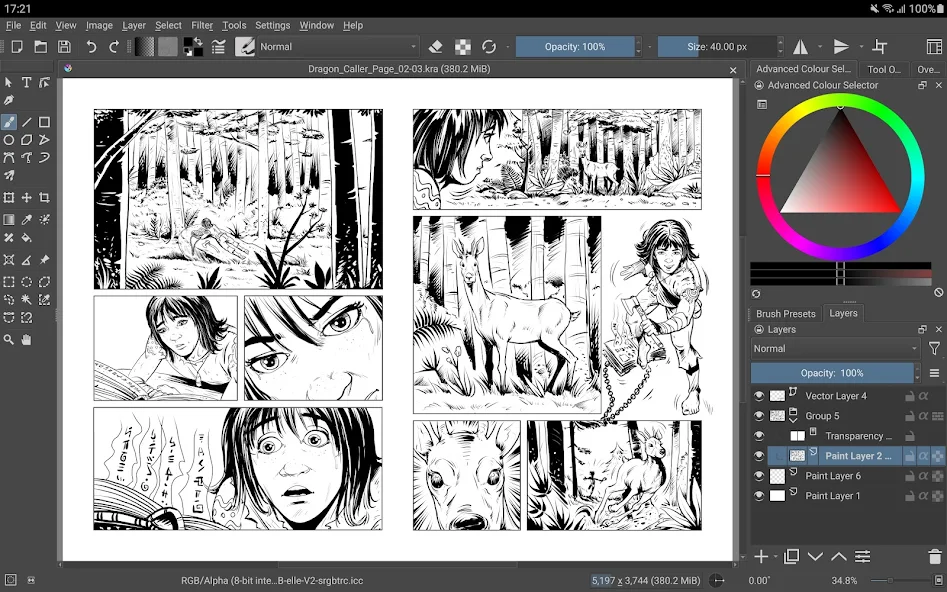
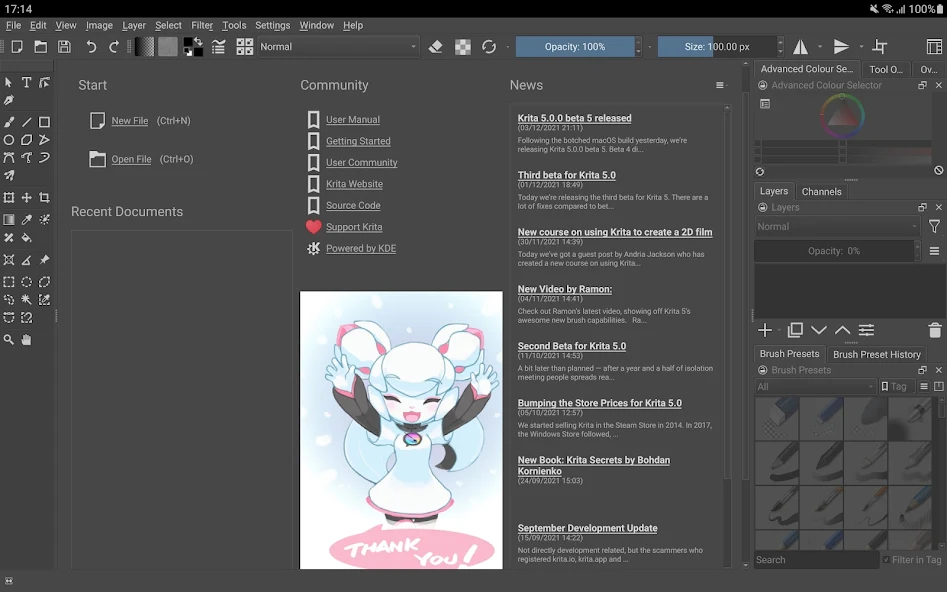
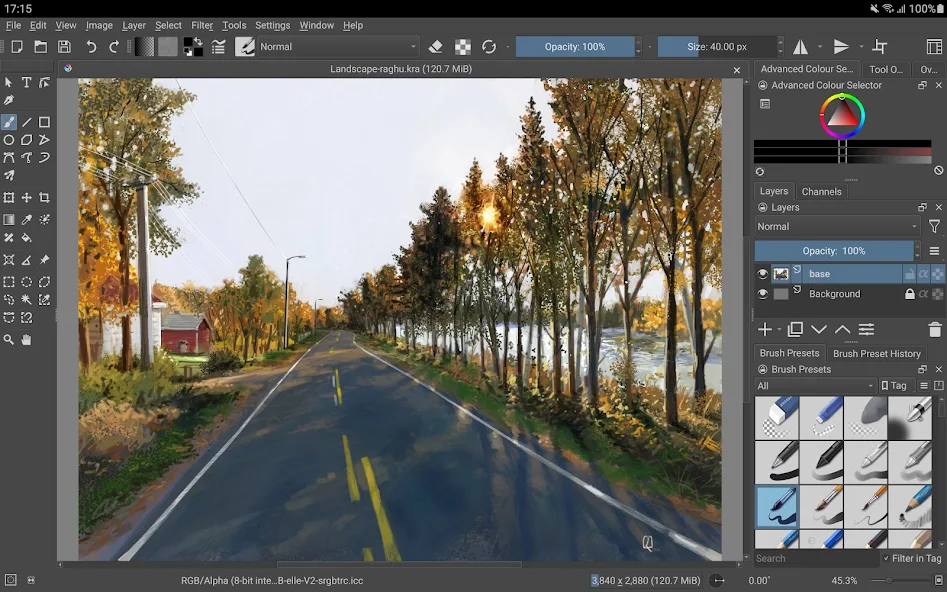
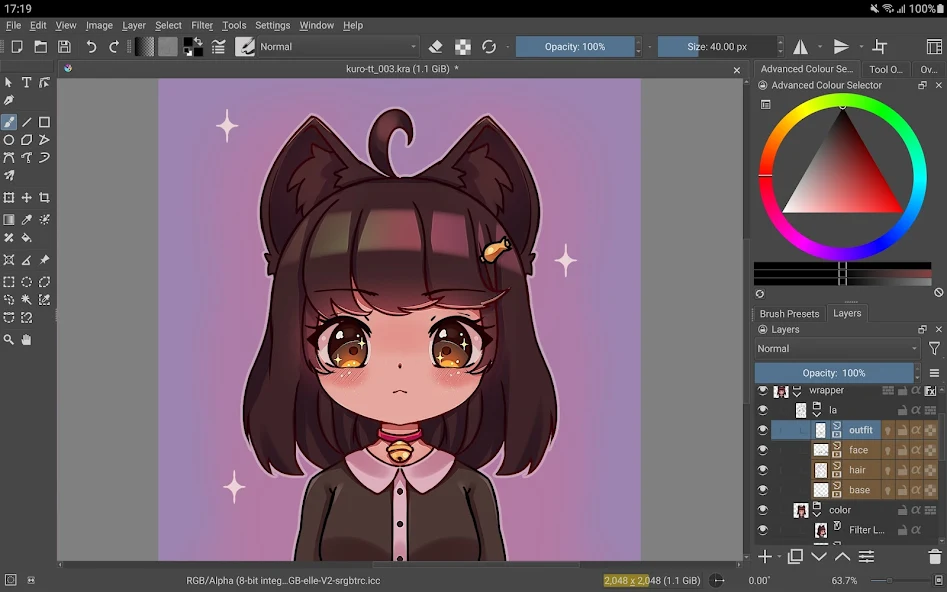
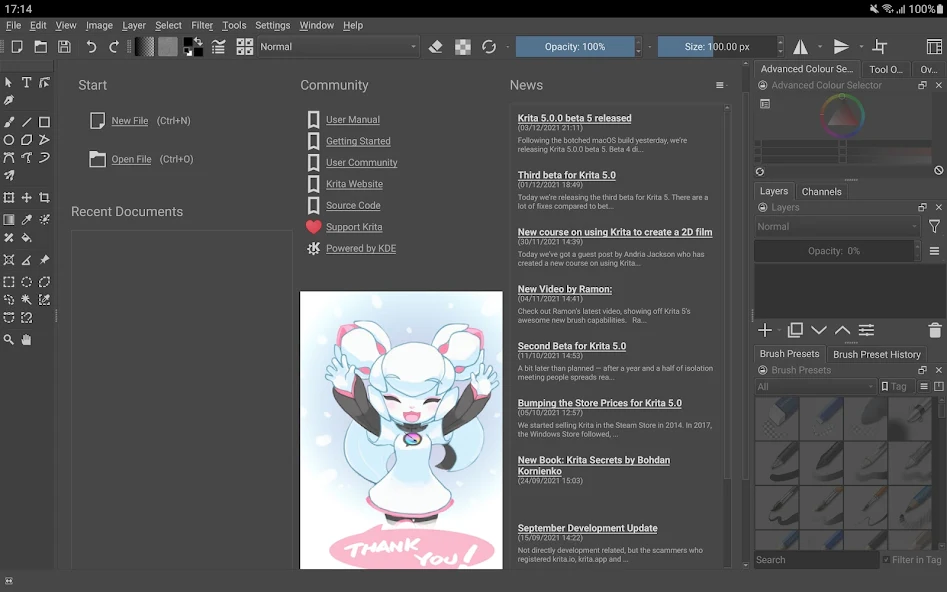
About Krita Feature – A Professional Digital Painting Studio at Your Fingertips
Krita is a free and open-source digital painting application designed primarily for illustrators, concept artists, comic book creators, and the VFX industry. Born from a passion for art and technology, it has evolved over years of development into a powerful, professional-grade creative tool that rivals commercial software. Available on Windows, macOS, and Linux, Krita offers a comprehensive suite of features tailored to mimic natural media while embracing the full potential of digital creation. Its core philosophy centers on providing artists with a stable, intuitive, and highly customizable workspace where creativity is unbounded by cost or restrictive licensing. From sketching and inking to painting, texturing, and animation, Krita serves as a complete digital art studio, empowering artists to bring their visions to life with precision and fluidity.
Chapter 1: Function
Krita's functionality is built around a robust brush engine, which is the heart of its painting experience. It features over a hundred professionally crafted brushes that emulate real-world tools like pencils, inks, charcoals, and various paint textures, all highly customizable. The application supports advanced layer management with blending modes, non-destructive filter layers, and vector layers for scalable text and shapes. Key tools include the Wrap-around mode for creating seamless textures, the Pop-up Palette for quick brush selection, and the powerful Transform and Selection tools. For comic art, it provides dedicated panel management and speech bubble tools. Furthermore, Krita includes a basic but effective frame-by-frame animation module with onion skinning, allowing creators to produce short animations or sprite sheets. It supports a wide range of file formats, including its native KRA, as well as PSD, JPEG, PNG, and EXR, ensuring seamless integration into various workflows.
Chapter 2: Value
Krita's foremost value proposition lies in its combination of professional-grade capabilities and being completely free and open-source. This eliminates significant financial barriers for artists, students, and studios, democratizing access to high-end digital art tools. Unlike many free applications, Krita does not compromise on power; its brush engine is sophisticated, offering stabilizers for smooth lines, brush textures, and an advanced resource manager for importing and creating custom brushes and patterns. Its user interface is highly configurable, allowing artists to tailor the workspace to their specific needs, enhancing productivity. The development is community-driven, resulting in rapid updates, responsive feature additions, and a strong focus on artists' actual needs. There are no subscriptions, no watermarks, and no feature limitations. This commitment is backed by a transparent development process and extensive documentation. For professional artists, Krita provides reliable performance for complex, multi-layered projects, making it a viable and ethical alternative to costly industry-standard software, fostering a global community of creators who contribute to and benefit from its continuous evolution.
Chapter 3: Scenarios
Krita is ideally suited for a diverse range of digital artists and specific use cases. Professional concept artists and illustrators utilize it for creating character designs, environment paintings, and detailed illustrations, leveraging its advanced brush controls and color management. Comic book and manga artists benefit from its specialized tools for panel layout, inking, and toning, streamlining the entire comic creation process. Hobbyists and aspiring artists find it an invaluable, cost-free platform to learn and practice digital painting without initial investment. Educators and students in art and design courses can incorporate it into their curriculum, ensuring all students have equal access to professional tools. Additionally, texture artists for games and indie game developers use Krita for creating assets, sprites, and seamless textures. In everyday use, an artist might start with a quick sketch using a pencil brush, refine the line art with a stabilizer-assisted ink brush, proceed to color using layer groups and blending modes, and finally add lighting effects with filter layers—all within a single, unified Krita project. Its animation features also cater to creators looking to produce short animated clips or GIFs, rounding out its versatility as a comprehensive digital art solution.
Pros
- • offers a comprehensive free desktop-grade painting suite
- • features unique non-destructive layer and filter management
- • includes specialized brush engines for textures and wrapping
- • supports HDR painting and advanced color management
- • provides animation tools within a primary painting app
Cons
- • steep learning curve for beginners from other software
- • interface can feel cluttered on standard laptop screens
- • resource-intensive
- • requiring capable hardware for smooth use
- • limited official cloud service integration for collaboration
- • some advanced features lack streamlined
- • intuitive workflows
FAQ
What is Krita and what is it used for?
Krita is a free, open-source digital painting and 2D animation application. It is primarily designed for artists, illustrators, concept artists, and comic creators. Its core functions include sketching, painting, texture creation, and frame-by-frame animation. It provides a professional-grade toolset with a focus on natural media emulation, making it suitable for creating original artwork from scratch.
Is Krita completely free to use?
Yes, Krita is completely free to download and use without any subscriptions, in-app purchases, or trial periods. It is funded through donations and the development of paid training resources. There are no hidden costs or premium feature locks. The application itself does not require any payment, making its full professional toolset accessible to everyone.
What are Krita's key features for digital painting?
Krita's unique features for painting include a highly customizable brush engine with over 100 default brushes, brush stabilizers for smooth lines, wrap-around mode for creating seamless textures, and a powerful layer management system supporting various blend modes. It also offers advanced color management, pop-up palettes for quick access, and support for HDR painting, distinguishing it from many basic drawing apps.
What systems and devices does Krita support?
Krita is available for desktop operating systems including Windows, macOS, and Linux. It is primarily designed for use with a mouse or, more effectively, with graphics tablets and pen displays. A version for Android exists but is distinct from the desktop application. Krita does not have a native iOS version. It requires a system capable of handling graphics-intensive software.
How can I get help if I encounter problems using Krita?
Official support is provided through the Krita website's manual, a dedicated user forum, and tutorial videos. Being community-driven, there is no traditional phone or email-based customer service. Users are encouraged to report bugs via the bug tracker and seek help from the active community forums. Many common issues and usage questions are addressed in the extensive online documentation and resources.