
Gboard - the Google Keyboard
BoardSmart Keyboard For Everyone Anywhere.
Rating
4.4
Installs
10,000,000,000+
Price
Screenshots
About Gboard - the Google Keyboard Feature
Gboard is Google's official virtual keyboard application for mobile devices, integrating the company's powerful search and artificial intelligence capabilities directly into the typing experience. It is available for both Android and iOS platforms, offering users a seamless, intelligent, and feature-rich alternative to default system keyboards. Beyond basic text input, Gboard distinguishes itself with deep integration of Google Search, advanced predictive text, gesture typing, and extensive customization options. It serves as a comprehensive tool that aims to enhance communication efficiency, provide instant information access, and personalize the mobile typing interface, all while maintaining Google's signature clean and user-friendly design.
Chapter 1: Function
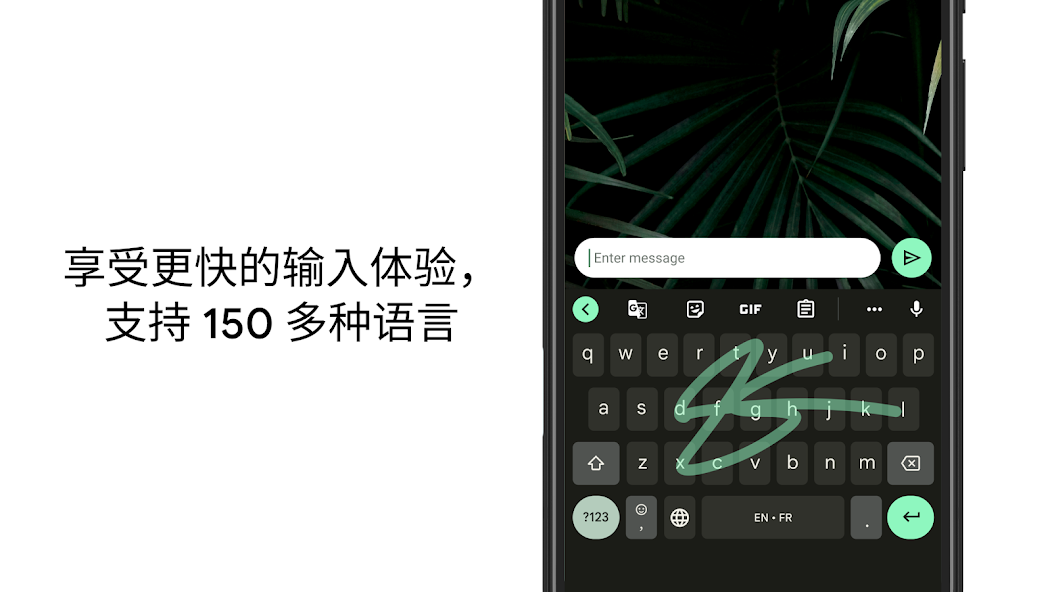
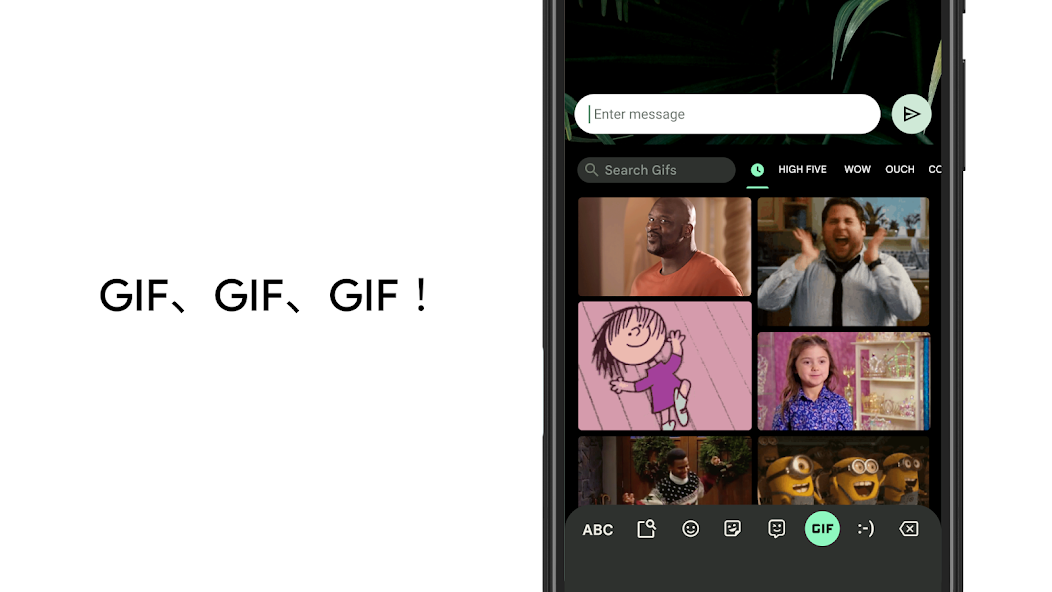
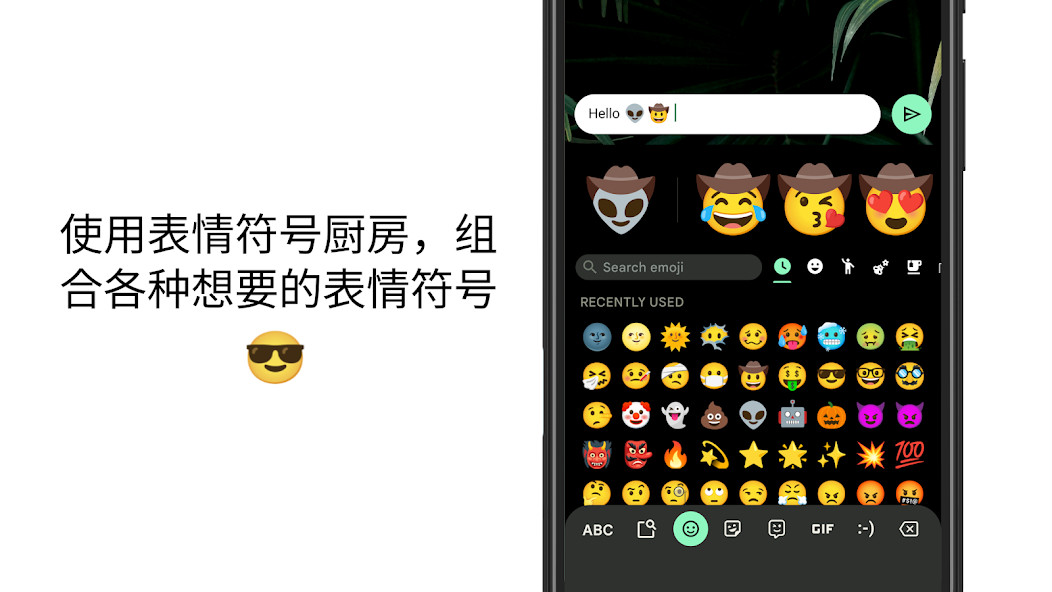
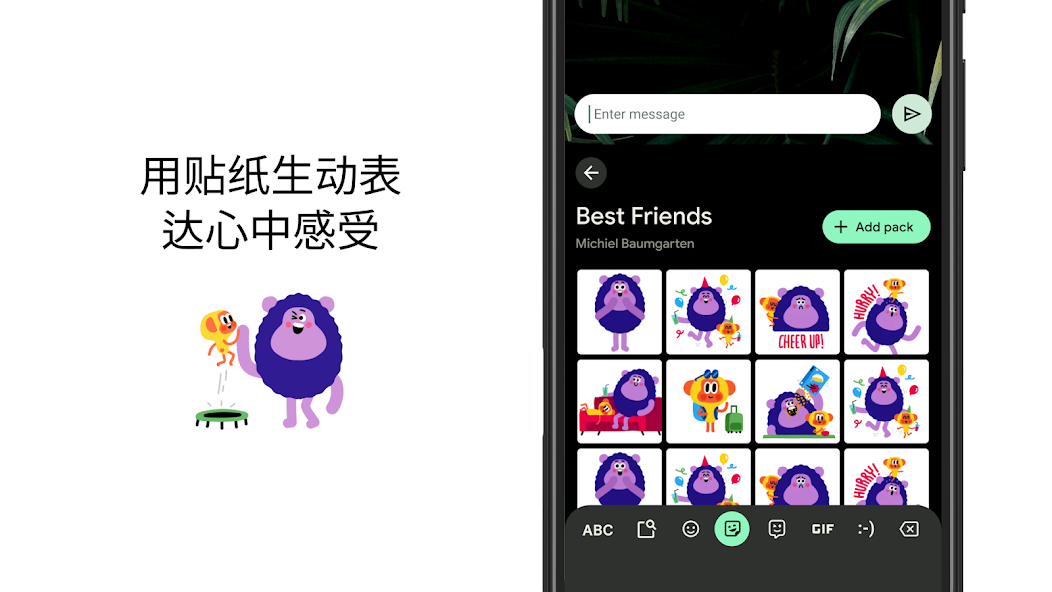
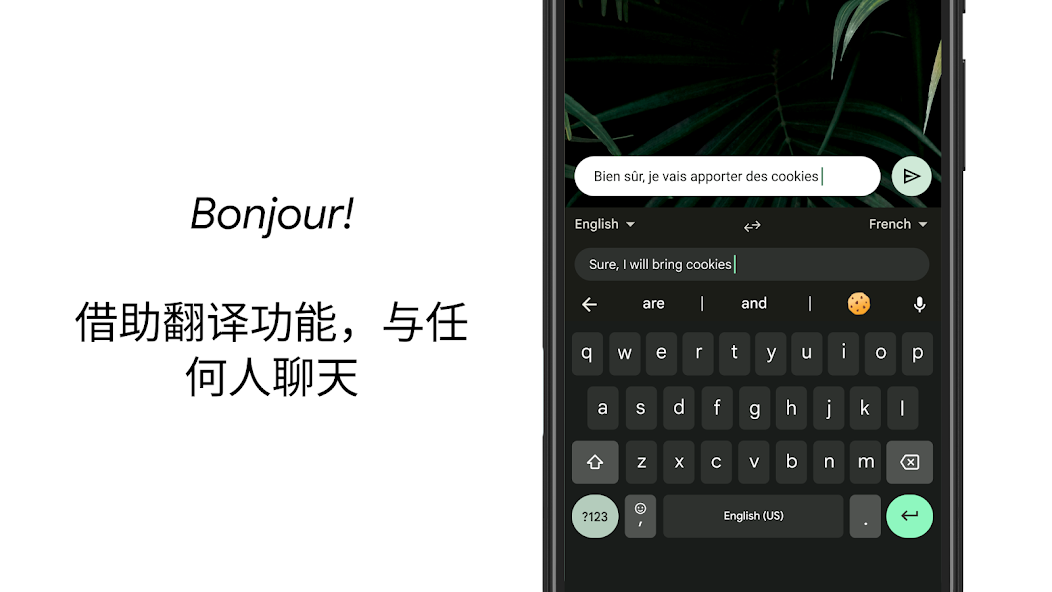
Gboard's core functionality revolves around intelligent and efficient text input. It provides a responsive touch keyboard supporting multiple input methods, including tap typing, glide typing (where users slide their finger across letters), and voice dictation powered by Google's accurate speech recognition. A central feature is its integrated Google Search, allowing users to perform web searches, share results, or look up information like weather or flight details without leaving the app they are typing in. The keyboard boasts a powerful next-word prediction engine and auto-correction, learning from user writing patterns to improve accuracy over time. It supports a vast array of languages, including bilingual typing, and offers rich media sharing through a built-in GIF search, stickers, and emojis complete with search functionality and an emoji kitchen for creating mashups. Customization is key, with options for themes, keyboard height adjustment, and one-handed mode.
Chapter 2: Value
The primary value proposition of Gboard lies in its deep integration of Google's ecosystem and AI, transforming a simple keyboard into a productivity and discovery hub. Its most significant advantage is the seamless access to Google Search, which provides unparalleled convenience for fact-checking, sharing links, or finding information mid-conversation, dramatically reducing app-switching friction. The predictive text and auto-correction, fueled by machine learning, are exceptionally context-aware, often predicting complete phrases or emojis, thereby accelerating typing speed and reducing errors. The gesture typing is fluid and accurate, offering a fast one-handed typing experience. Privacy is addressed with features like offline mode for voice typing and the option to disable cloud-based learning. Furthermore, its cross-platform availability on iOS and Android ensures a consistent experience. Unlike many third-party keyboards, Gboard is free, devoid of intrusive ads, and benefits from Google's continuous investment in AI, ensuring regular updates with new features like improved voice dictation, real-time translation suggestions in some chats, and enhanced accessibility options. This combination of powerful, intelligent features, robust privacy controls, and a clean, ad-free interface delivers exceptional value by making everyday communication faster, smarter, and more expressive.
Chapter 3: Scenarios
Gboard is designed for a broad spectrum of mobile users who prioritize efficiency, expressiveness, and convenience in digital communication. Its primary target groups include busy professionals and students who frequently need to share information or look up details quickly during chats or while composing emails, benefiting immensely from the integrated search. Multilingual individuals and global communicators value its extensive language support and translation features. Social media enthusiasts and casual chatters enjoy the easy access to a vast library of GIFs, stickers, and emojis to enhance their messages. Users with larger phones or those often on the go find the one-handed mode and glide typing particularly useful for efficient single-handed operation. It is also suitable for users seeking a highly customizable keyboard interface to match their personal style through themes. Essentially, any user looking to upgrade from a basic system keyboard to a more intelligent, feature-packed tool that streamlines both information retrieval and creative expression will find Gboard applicable in everyday scenarios such as messaging, email composition, social media posting, and note-taking.
Pros
- • integrates real-time google search and gif suggestions
- • offers glide typing with high accuracy and minimal lag
- • supports multilingual typing without switching keyboards
- • syncs personalized dictionary and themes via google account
- • provides incognito mode to disable learning and logging
Cons
- • requires full network access for core search features
- • larger app size compared to minimalist keyboard alternatives
- • theme customization lags behind third-party keyboard apps
- • periodic sync may drain battery on older devices
- • voice typing performance varies significantly by region
FAQ
What is Gboard and what are its core functions?
Gboard is a virtual keyboard app developed by Google for mobile devices. Its core functions include typing, integrated Google Search, voice input, glide typing, and emoji/search/GIF suggestions. It positions itself as a smart keyboard that brings Google's search and AI capabilities directly into your typing experience, aiming to enhance productivity and convenience without switching between apps.
Is Gboard completely free to use with any in-app purchases?
Yes, Gboard is completely free to download and use. There are no in-app purchases, subscriptions, or premium tiers. The app is supported by Google and generates no direct revenue from users. All features, including search, themes, and voice typing, are available without any cost. It may display ads within its integrated search results, but not within the primary keyboard interface.
On which devices and operating systems can I use Gboard?
Gboard is primarily available for Android devices (running Android 4.4 KitKat or later) and iOS devices (running iOS 12.0 or later). It is not available for desktop operating systems like Windows or macOS as a standalone keyboard. The app adapts to phones and tablets. Some features, like certain language packs or search integrations, may have regional or device-specific availability.
How does Gboard handle privacy and data permissions?
Gboard requests permissions like network access for search/updates, microphone for voice typing, and contacts for typing suggestions. According to Google's policy, data from voice input is sent to servers for processing, and search queries are handled like web searches. Personal dictionary data can be stored locally or synced to your Google Account. You can manage permissions in your device settings and review Google's privacy policy for detailed data usage information.
Can I use Gboard offline or without an internet connection?
Basic typing functions, including glide typing and word prediction for downloaded languages, work offline. However, features requiring real-time data processing, such as Google Search, GIF/emoji search, voice typing, and translation, require an active internet connection. Offline language packs must be pre-downloaded via settings for full offline prediction support. The app will function as a standard keyboard when connectivity is unavailable.